Gear Recommendations / Navigation
Best Chartplotters for Sailboats
A chartplotter is the most-used piece of electronics at a cruising helm. Here's how to choose one — and the units we'd actually put on our own boats.

Image: Simrad
How we evaluate chartplotters
A chartplotter is not just a GPS with a map. At a sailboat helm it becomes your primary source of position, depth, wind data, AIS traffic, radar overlay, and autopilot control. We evaluate every unit against the criteria that actually matter when you are 50 miles offshore or threading a narrow channel in fading light.
Screen size, resolution, and readability
On a sailboat, the plotter lives at the helm where it fights direct sun, spray, and glare from sails and deck. A 7" screen is the practical minimum for reading chart detail without squinting; 9" is the sweet spot for split-screen chart + radar or chart + instrument data. We prioritize IPS displays with true sunlight readability and polarized-lens compatibility — many cheaper screens wash out when viewed through polarized sunglasses, which most sailors wear. Resolution matters too: 1280 x 720 on a 9" display renders harbor detail and contour lines far more crisply than a lower-resolution panel of the same size.
Chart coverage and update cost
The two global chart standards are Navionics (now Garmin-owned) and C-MAP (owned by Navico / Simrad-B&G-Raymarine). Most plotters support at least one; premium units often support both. We check what is bundled out of the box — a unit that ships with coastal U.S. coverage saves you $150–$300 on day one — and we look at ongoing update pricing, because a plotter is a 5–10 year investment and charts age. We also note whether satellite imagery, 3D bathymetry, or auto-routing features are included or locked behind premium chart tiers.
Networking and sensor integration
NMEA 2000 is the modern marine networking standard and is effectively non-negotiable on a new plotter. It carries wind, depth, speed, temperature, engine data, AIS, and autopilot commands over a single cable backbone. But not all networking is equal: we look for Ethernet ports (for radar and high-speed chart sharing between displays), Wi-Fi (for app integration and over-the-air updates), and whether the manufacturer uses proprietary cables or standard connectors — proprietary cabling like RayNet works well but costs more and is harder to source in remote cruising destinations.
Sailing-specific features
Powerboat chartplotters and sailboat chartplotters diverge sharply when it comes to routing. We look for laylines (the optimal tacking angles to a waypoint), wind-history overlays, current correction, and start-line tools for racing. B&G's SailSteer is the benchmark here — it presents wind, heading, tide, and course on a single intuitive dial — but Garmin and Raymarine have improved their sailing pages significantly in recent years. If you only daysail in predictable winds, these features are nice-to-haves. If you passage-make or race, they become essential.
Controls: touch, keys, or hybrid
A glossy touchscreen looks great in the showroom. At sea, with wet fingers, cold hands, and the boat heeled 20 degrees, it can be frustrating. We give extra credit to units that combine a capacitive touchscreen with physical buttons or a rotary dial — the Raymarine HybridTouch and B&G's rotary-knob-plus-keypad approach are genuinely easier to operate when conditions get rough. Touch-only units like the Simrad GO series work fine in protected waters but can be harder to use offshore.
App and cloud integration
Modern cruisers plan routes on an iPad at the anchorage and want to push them to the helm display with one tap. Garmin's ActiveCaptain, Raymarine's RayControl, and Simrad's GoFree apps all offer this to varying degrees. We also look for community-data features: crowd-sourced sonar logs, shared waypoints, and marina reviews embedded in the charting software. These are not essential for safety, but they make cruising significantly more convenient.
Build quality and warranty
Marine electronics live in a harsh environment: salt spray, UV exposure, vibration from the hull, and temperature swings from tropical sun to freezing spray. All the units we recommend carry an IPX7 water-ingress rating or better, but real-world reliability also comes down to connector design, heat dissipation, and whether the manufacturer has a global service network. Garmin and Raymarine have the widest international support; B&G and Simrad are strong in Europe and Australasia but can be slower to service in remote locations.
Our picks
Every pick below has been evaluated against the criteria above. We have used or installed each of these units on real cruising sailboats, not just read spec sheets.
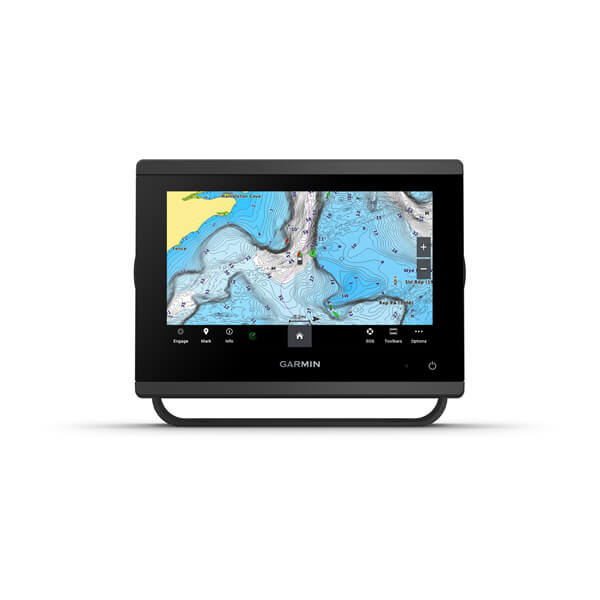
Garmin GPSMAP 743xsv
Best overall for cruising sailboats
The GPSMAP 743xsv is the unit most cruising sailors end up with after comparing everything in the 7–9" range. The display is genuinely readable in full sun at a tiller or wheel helm, the interface is fast, and the sonar performance is strong enough that most owners skip adding a separate fishfinder. If your boat already has a Garmin autopilot or you plan to add radar, the network integration is seamless — the plotter sees everything without extra gateways. For a 30–40 ft coastal cruiser, this is the default recommendation. It only starts to feel limited if you are doing serious offshore passagemaking where you want sailing-routing tools or a larger screen for radar overlay.
- Display
- 7" IPS touchscreen, 1024 x 600, sunlight-readable with polarized support
- Charts
- Preloaded Garmin Navionics+ (coastal U.S.). Optional BlueChart g3 Vision for satellite imagery and auto-guidance.
- Networking
- NMEA 2000, NMEA 0183, Garmin Marine Network, Wi-Fi, ANT+. Built-in 1 kW CHIRP sonar plus ClearVü and SideVü support.
- Typical price
- $900–$1,200
Pros
- Exceptional screen clarity in direct sun — one of the best 7" displays on the market
- ActiveCaptain app integration lets you plan routes on shore and sync instantly
- Built-in high-power sonar eliminates the need for a separate black-box sounder module
- Garmin Marine Network makes adding radar or a second station plug-and-play
Cons
- 7" feels tight if you also want split-screen radar + chart at the helm
- Sailing-specific features (laylines, wind overlays) are usable but not as refined as B&G's
- Premium BlueChart g3 Vision charts cost extra; the base Navionics+ bundle is coastal-only
Image: Garmin
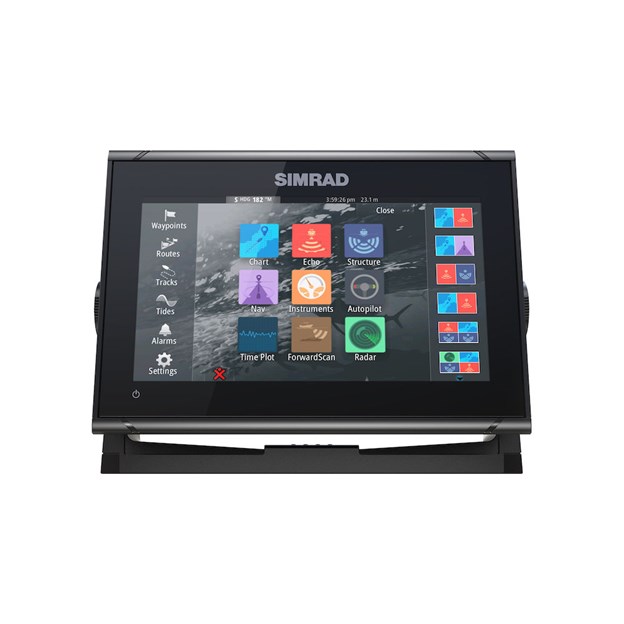
Simrad GO9 XSE
Best touchscreen value
The GO9 XSE is the value play in this list. You get a 9" screen for roughly the same money as a premium 7" unit, and the core navigation experience is solid. Simrad's C-MAP charting is particularly strong in European and Australasian waters, though Navionics fans can load their preferred charts too. The catch is that the GO series is touch-only — no physical buttons or rotary knob — which means gloved or wet-handed operation at a bouncing helm is harder than on a GPSMAP or Zeus. If you cruise in fair weather or have a protected helm station, that tradeoff is fine. If you sail higher latitudes or race short-handed, you may prefer hardware controls. Still, for a coastal cruiser on a budget who wants screen real estate above all else, this is hard to beat.
- Display
- 9" multi-touch, integrated GPS, Wi-Fi for screen mirroring and updates
- Charts
- C-MAP DISCOVER preloaded. Optional C-MAP REVEAL and Navionics+ support.
- Networking
- NMEA 2000, Ethernet (for radar), Wi-Fi. Active Imaging 3-in-1 transducer compatible.
- Typical price
- $700–$950
Pros
- Large 9" screen at a price that undercuts most 7" premium units
- C-MAP DISCOVER charts are excellent for cruising areas with detailed harbor and approach data
- Clean autopilot control interface; pairs effortlessly with Simrad NAC autopilot computers
- Active Imaging sonar (if bundled) gives crisp structure detail for anchor checks
Cons
- Touch-only interface is harder to use with wet fingers or when heeled over in rough conditions
- Processor is slower than the GPSMAP 743xsv or B&G Zeus 3S — zooming dense charts lags slightly
- Some features (SiriusXM weather, radar overlay setup) require extra modules that add cost quickly
Image: Simrad
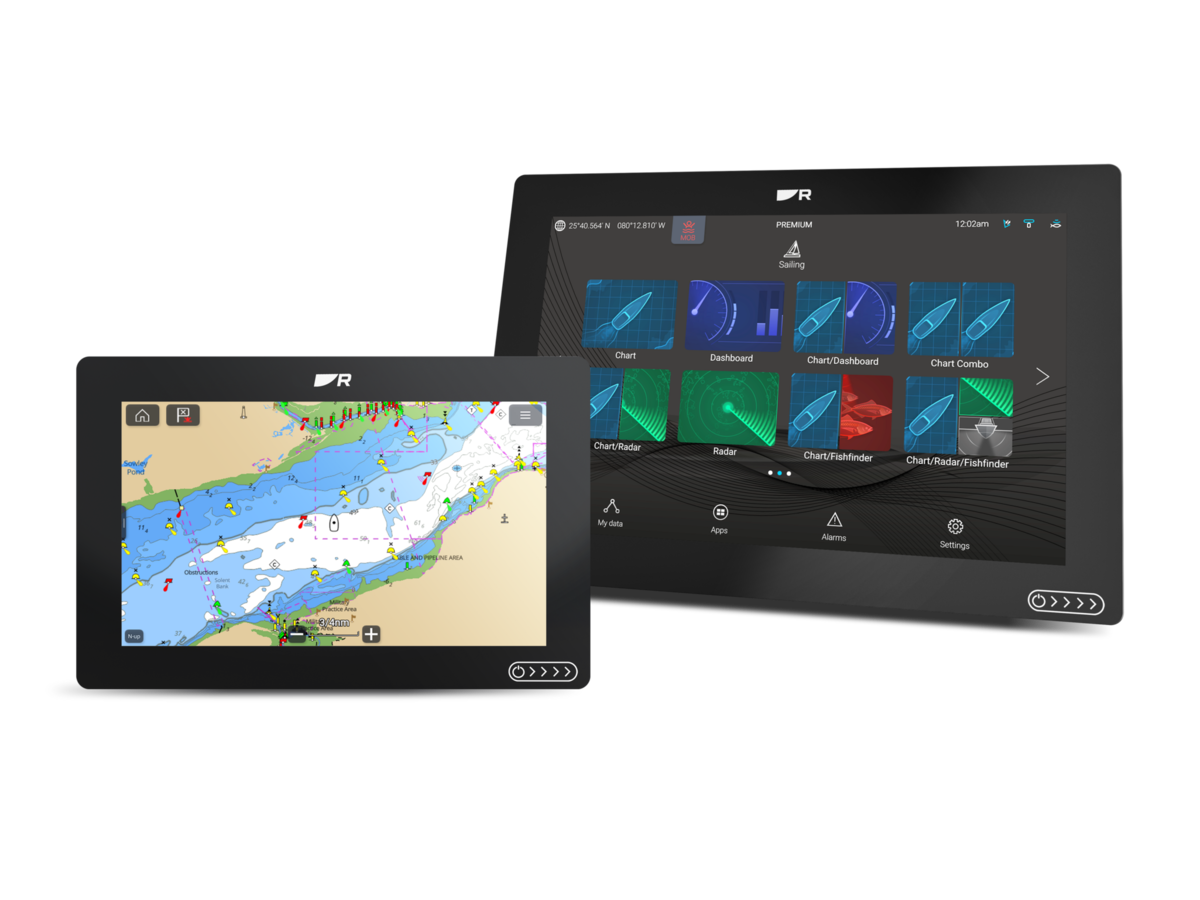
Raymarine Axiom+ 9
Best for radar and autopilot integration
Choose the Axiom+ 9 if you are already invested in Raymarine's ecosystem — or if you plan to be. The Quantum radar and Evolution autopilot are genuinely excellent products, and the integration here is smoother than trying to mix brands. The HybridTouch interface is the real standout: you get a responsive capacitive screen for normal use, plus physical buttons and a rotary dial for when the boat is bouncing and your fingers are wet. That single feature makes this unit more usable offshore than touch-only competitors. The downside is the chart situation: LightHouse charts cover the basics, but experienced cruisers often end up buying Navionics+ on top, which erodes the value proposition. If you want one brand to handle radar, autopilot, and plotter and you value hardware controls, this is the package to build around.
- Display
- 9" High Density IPS touchscreen, 1280 x 720, 25% brighter than previous Axiom generation
- Charts
- LightHouse charts included. Optional Navionics+, C-MAP, or FLIR thermal camera integration.
- Networking
- NMEA 2000, NMEA 0183, RayNet Ethernet, Wi-Fi, Bluetooth. Quantum radar and Evolution autopilot native.
- Typical price
- $1,000–$1,350
Pros
- HybridTouch means full touchscreen plus a reliable keypad backup — great when wet or wearing gloves
- Quantum radar integration is plug-and-play; Doppler target tracking is genuinely useful in congested harbors
- Evolution autopilot setup is wizard-driven and significantly easier than competitors' calibration routines
- IPS display is bright and viewable from sharp angles, which matters on sailboats with offset helm positions
Cons
- LightHouse charts are decent but not as detailed as Navionics+ in some cruising regions; many owners buy Navionics anyway
- Axiom+ sits in an awkward middle ground — not as sailing-focused as B&G, not as chart-agnostic as Garmin
- RayNet Ethernet cables and adapters are proprietary and more expensive than standard NMEA 2000 cabling
Image: Raymarine
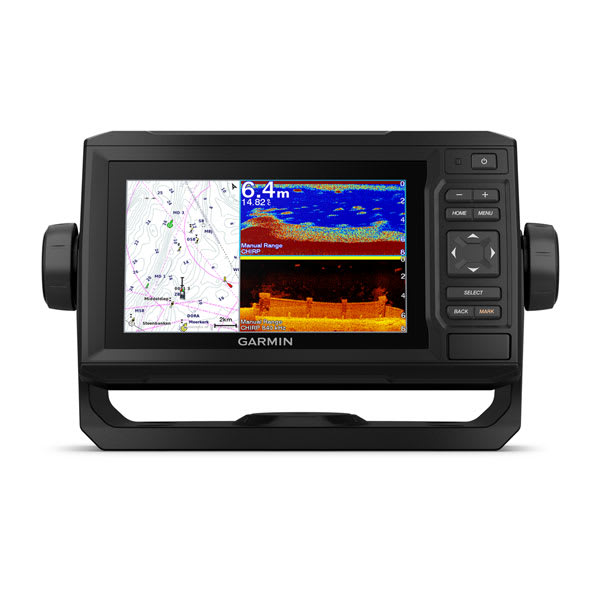
Garmin echoMAP UHD2 65cv
Best budget pick
The echoMAP UHD2 65cv is the practical entry point. It does not have the screen size or networking flexibility of the premium units, but it nails the fundamentals: reliable GPS, good charts, usable sonar, and a interface that works with wet hands thanks to the physical keypad. For a day sailor or weekend coastal cruiser on a 22–30 ft boat, this is genuinely enough plotter. The limitation shows up when you try to add accessories: radar support is limited, and the small screen makes split-screen modes frustrating. But if your budget is tight and your cruising area is well-charted coastal water, the money you save here can go toward a better VHF, anchor, or sails — and those matter more than a bigger screen on a small boat.
- Display
- 6" keyed-and-touchscreen, WVGA resolution, sunlight-readable
- Charts
- Preloaded Navionics+ (U.S. coastal). Compatible with Garmin BlueChart g3 and g3 Vision.
- Networking
- NMEA 2000, Garmin Marine Network (limited), Wi-Fi for ActiveCaptain. Built-in CHIRP sonar with GT24UHD transducer.
- Typical price
- $500–$700
Pros
- Keypad + touchscreen gives you two ways to interact — rare at this price point
- Preloaded Navionics+ charts mean you can unbox and navigate the same day
- ActiveCaptain integration brings phone-based route planning and community waypoint sharing
- Compact form factor fits crowded sailboat helm stations where larger units won't mount cleanly
Cons
- 6" screen is cramped for split-screen use; radar overlay + chart is nearly unreadable
- Lower resolution than the GPSMAP 743xsv, so dense chart detail can look cluttered
- Garmin Marine Network support is limited — adding radar or a second station is harder than on the GPSMAP series
Image: Garmin
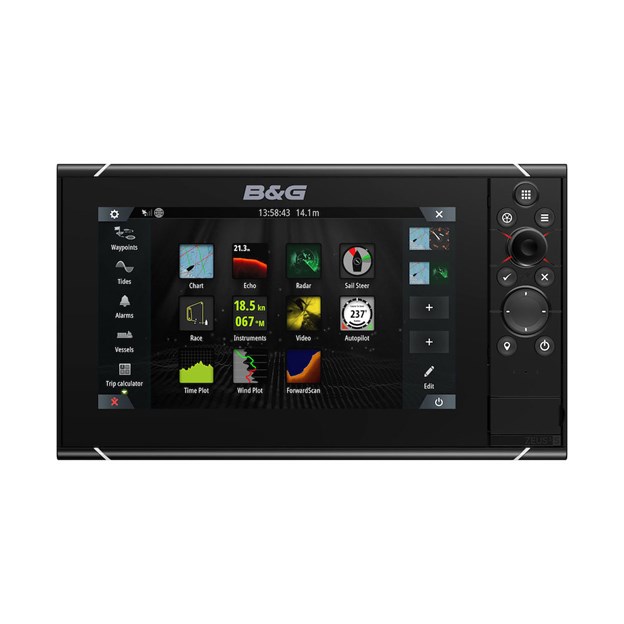
B&G Zeus 3S 9
Best for serious sailors
The Zeus 3S 9 is the chartplotter that sailboat racers and bluewater cruisers buy when they have already owned something else and know exactly what they want. Every feature here is designed around sailing: SailSteer condenses wind, heading, tide, and course into one intuitive display; laylines update in real time based on actual wind shifts and current; and the RacePanel mode handles start-line timing and distance-to-line with the precision you'd expect from a brand that sponsors the Volvo Ocean Race. The hardware is equally purpose-built — the rotary dial and keypad let you operate the unit without looking, which matters when you are short-handed in a seaway. The cost is real: you are paying a premium for sailing-specific software that a powerboater would never use. For a daysailer or casual coastal cruiser, that money is better spent elsewhere. But if you are planning an Atlantic crossing, a Pacific circuit, or serious club racing, this is the most capable sailing plotter on the market.
- Display
- 9" all-weather touchscreen + rotary dial and keypad, wide viewing angle, ultra-bright
- Charts
- C-MAP embedded. Optional Navionics+, C-MAP REVEAL, and NV Digital Charts.
- Networking
- NMEA 2000, NMEA 0183, Ethernet, Wi-Fi. Full B&G instrument, autopilot, and radar integration.
- Typical price
- $1,400–$1,800
Pros
- SailSteer gives an intuitive single-screen view of wind, tide, heading, and course — purpose-built for sailboats, not adapted from powerboat software
- Laylines and SailingTime calculations actually account for current and tacking angles, not just straight-line distance
- Physical rotary dial + keypad is the best control method when the boat is heeled and your hands are cold or wet
- Processor is fast enough to run radar, ForwardScan, chart, and instrument data simultaneously without stutter
Cons
- Expensive — roughly double the cost of a comparable-size Garmin or Simrad unit
- C-MAP charts are solid globally, but U.S. cruisers often prefer Navionics harbor detail and may need to buy additional chart packs
- Overkill for a daysailer or coastal weekender; the sailing features shine most on longer passages or in race mode
Image: B&G
Sailboat Atlas is an Amazon Associate. We may earn from qualifying purchases at no extra cost to you.
More gear guides
Browse the rest of our category-by-category gear recommendations.
Related guides
 Navigation
Best Sailboat Autopilots
Raymarine, B&G, Garmin, Simrad and Pelagic autopilots compared — drives, sailing modes, and integration.
 Navigation
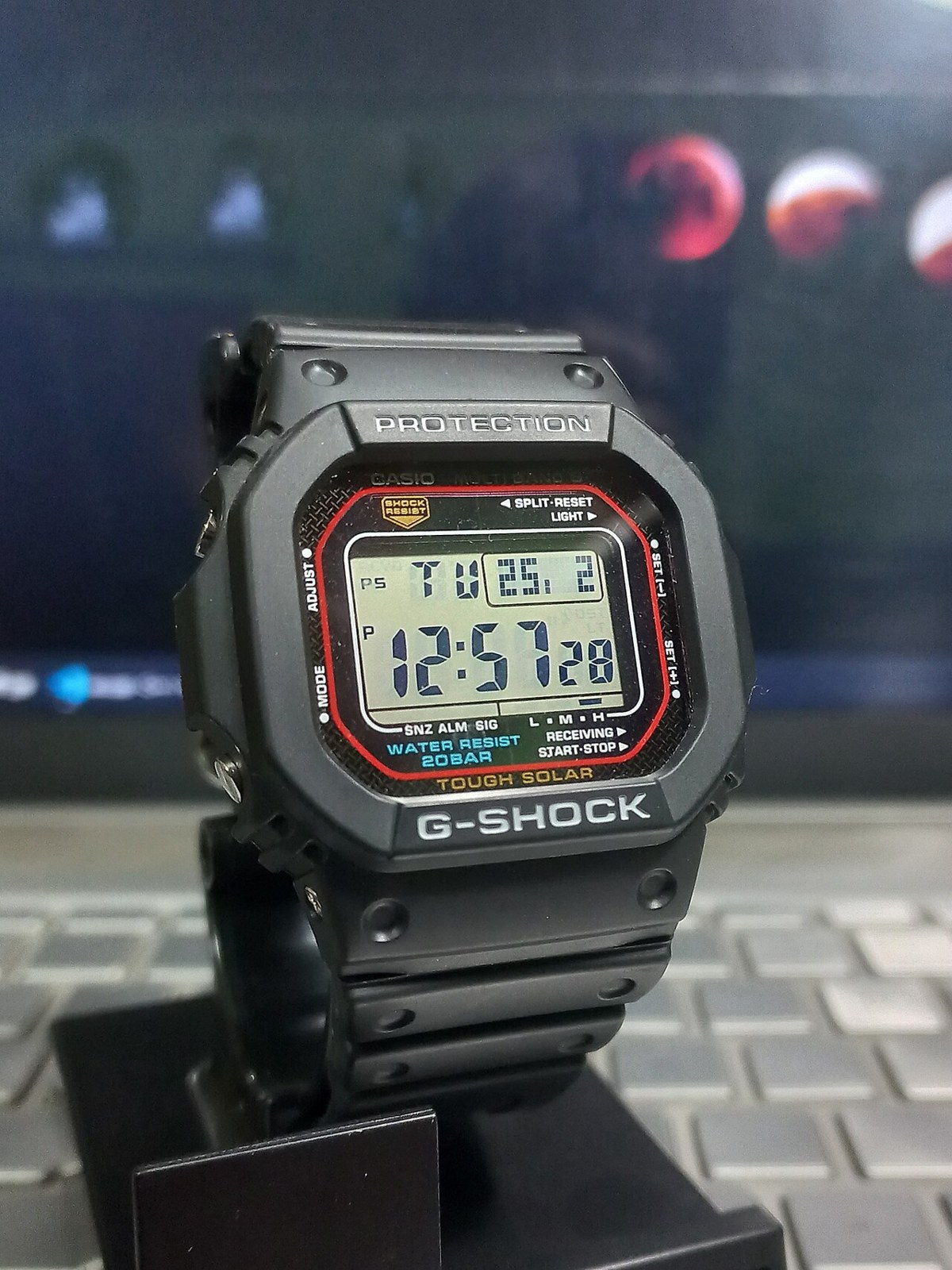
Sailing Watches: Race Timers and Cruising Choices
Countdown controls, water resistance, readability and battery care: choosing a practical watch for racing and cruising.
 Navigation
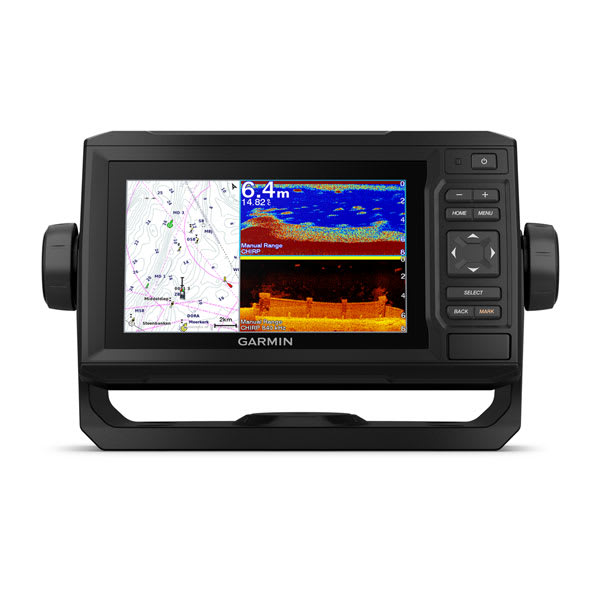
Best Marine GPS for Small Boats and Sailboats
Fixed-mount and handheld marine GPS units compared — screens, charts, power draw, and picks at every budget.
 Navigation
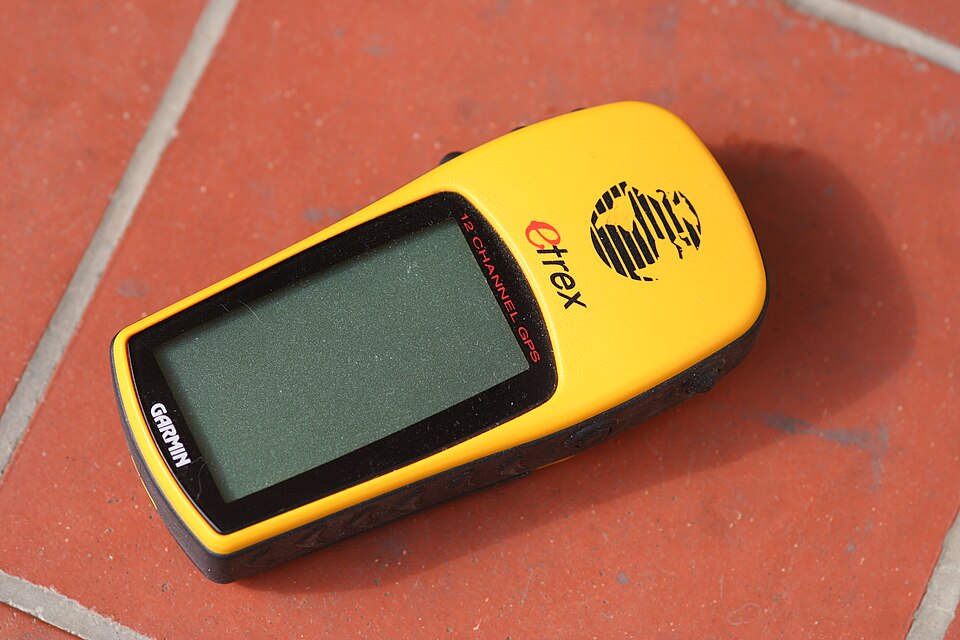
Best Handheld GPS for Sailors
Handheld GPS and satellite units as chartplotter backup — waterproofing, battery life, charts and ditch-bag picks.