Satellite Communications for Sailors
Satellite comms on cruising sailboats has changed more in the last three years than the previous thirty. Starlink brought real broadband to anchor and coastal use, Iridium remains the offshore workhorse, and inReach devices give every crew a pocket-sized emergency link. Here's how to combine them into a comms plan that actually matches how you cruise.
Sailboat Atlas may earn a commission from qualifying purchases made through links on this page, at no extra cost to you.
Match the technology to how you sail
Weekend and coastal cruisers: cellular hotspot plus Starlink Mini covers everything. Offshore passage-makers: add Iridium GO! for reliable weather routing and email in mid-ocean. Every crew, everywhere: a Garmin inReach Mini per person for genuine emergency capability that survives when boat power is gone. This isn't overkill — it's redundant systems for genuinely different failure modes.
Starlink at sea: what actually works
The Starlink Mini is the practical choice for sailboats — smaller, lighter, lower power, and doesn't need a separate router. Mount it with a clear sky view; a compass rose of clear sky within 30° of vertical is enough for reliable service. The Roam plan is required for cruising use; the Priority plans matter more offshore where the boat's motion competes with other users for satellite time.
Never let comms replace safety gear
None of these devices — including Starlink — is a substitute for a properly registered EPIRB and a working VHF DSC installation. Satellite comms fail: dishes crack, subscriptions lapse, batteries die, storms tear equipment loose. Layer your safety gear so that the last-resort distress signaling (EPIRB, PLB) works even when everything else is destroyed.
Our picks

Starlink Mini (Roam plan)
Best-in-class satellite internet at anchor and coastal
Starlink has redefined what cruising sailors can expect from onboard connectivity. For anchor and coastal use, it's now the answer. The Mini dish is the practical form factor for sailboats — self-contained, no separate router, native 12V power. Keep an Iridium or PLB for real emergencies (Starlink is not a distress system), but for the 99% of communication that isn't SOS, it's simply the best product on the water.
- Data speeds
- 50–200 Mbps typical downlink
- Coverage
- Global, expanding continually
- Power draw
- ~15–40W at 12V (Mini)
- Typical cost
- $599 hardware, $50–$165/mo depending on plan
Pros
- Genuine broadband — real video calls, real streaming, real work from the boat
- Mini form factor draws far less power than the original dish; runs on 12V DC directly
- Global coverage that keeps expanding, including most cruising grounds
Cons
- Not a replacement for a real emergency-comm device — no distress button, no guaranteed uptime in storms
- Roam plans are more expensive than fixed plans and have priority tiers that matter offshore
- Very high latitudes still have coverage gaps
Iridium GO! exec
Best offshore voice, text, and weather
Iridium GO! is what serious offshore passage-makers still specify because it works when nothing else does. On a 3,000 mile crossing you get daily weather routing, family email, and voice calls home — reliably, in any conditions. Not a Starlink replacement, but a Starlink complement for real ocean crossings. Many offshore cruisers now carry both.
- Coverage
- True global — pole to pole
- Data
- Compressed voice, SMS, email, weather (Predictwind, GRIB)
- Speed
- Low bandwidth — email and text only, not web
- Typical cost
- $1,700 hardware, $150–$180/mo unlimited data plan
Pros
- True global coverage including polar regions where Starlink has gaps
- Purpose-built for offshore email, weather routing, and voice — reliable in extreme weather
- Battery-integrated hub means you have comms even if the boat's electrical system fails
Cons
- Slow — this is text and small-file only, not video or streaming
- Monthly cost adds up for cruisers who mostly stay coastal (where Starlink dominates)
- Not intended as a distress device — carry a real EPIRB alongside
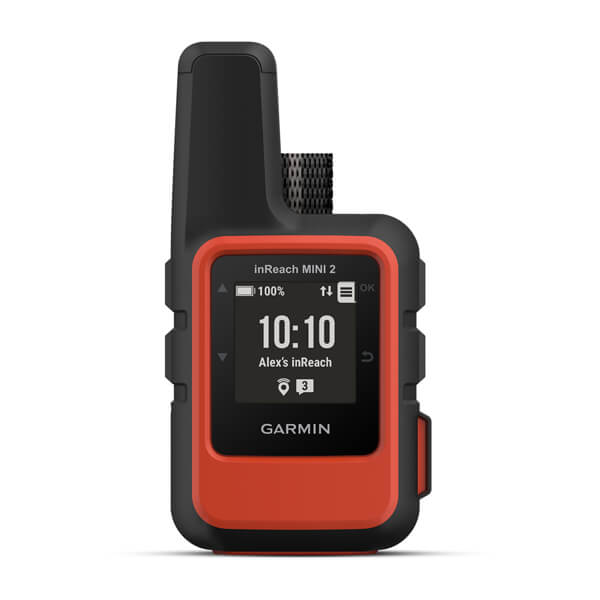
Garmin inReach Mini 2
Best pocket satellite messenger and SOS
The inReach Mini 2 has become standard kit in offshore ditch bags and coastal safety kits alike. It gives you two-way messaging (invaluable — an EPIRB just says SOS, an inReach lets you actually communicate) plus the GEOS SOS button. Combined with an EPIRB, you have redundant, independent distress signaling that outlasts any storm or electrical failure.
- Coverage
- Global Iridium two-way messaging
- SOS
- Dedicated GEOS SOS button, real emergency response
- Battery
- 14 days at 10-min tracking, weeks in standby
- Typical cost
- $400 hardware, $12–$65/mo depending on plan
Pros
- Genuine two-way satellite text and SOS in a pocket-sized battery-powered device
- GEOS SOS button connects to a professional response coordination center 24/7
- Works when everything else on the boat is dead — completely independent of ship's power
Cons
- Text only — no voice, no data
- Monthly subscription required to keep tracking and SOS active
- Not a substitute for an EPIRB on a boat regularly leaving sight of land
How to choose
Coastal cruiser, weekends and week-long trips: Starlink Mini + Garmin inReach Mini 2. Live-aboard or long-term coastal cruiser: add unlimited-data plan on the Starlink. Offshore passage-maker or circumnavigator: Starlink + Iridium GO! exec + inReach Mini per crew + a real EPIRB. High- latitude cruiser (Alaska, Patagonia, Iceland): Iridium is the primary, Starlink is the bonus where coverage allows.
Frequently asked questions
Can I just use my phone with cellular offshore?
Cellular coverage from coastal towers extends 10–20 nm on a good day, less in most cruising grounds. Beyond that you're on satellite or nothing. Starlink is now the answer for the middle range; Iridium and inReach for genuine mid-ocean.
Does Starlink still work at the equator or high latitudes?
Equatorial regions: yes, fully. Very high latitudes: patchy — the constellation is denser at populated latitudes. If you're cruising above 65° N or below 55° S, verify current coverage before relying on it.
Related guides
 Navigation
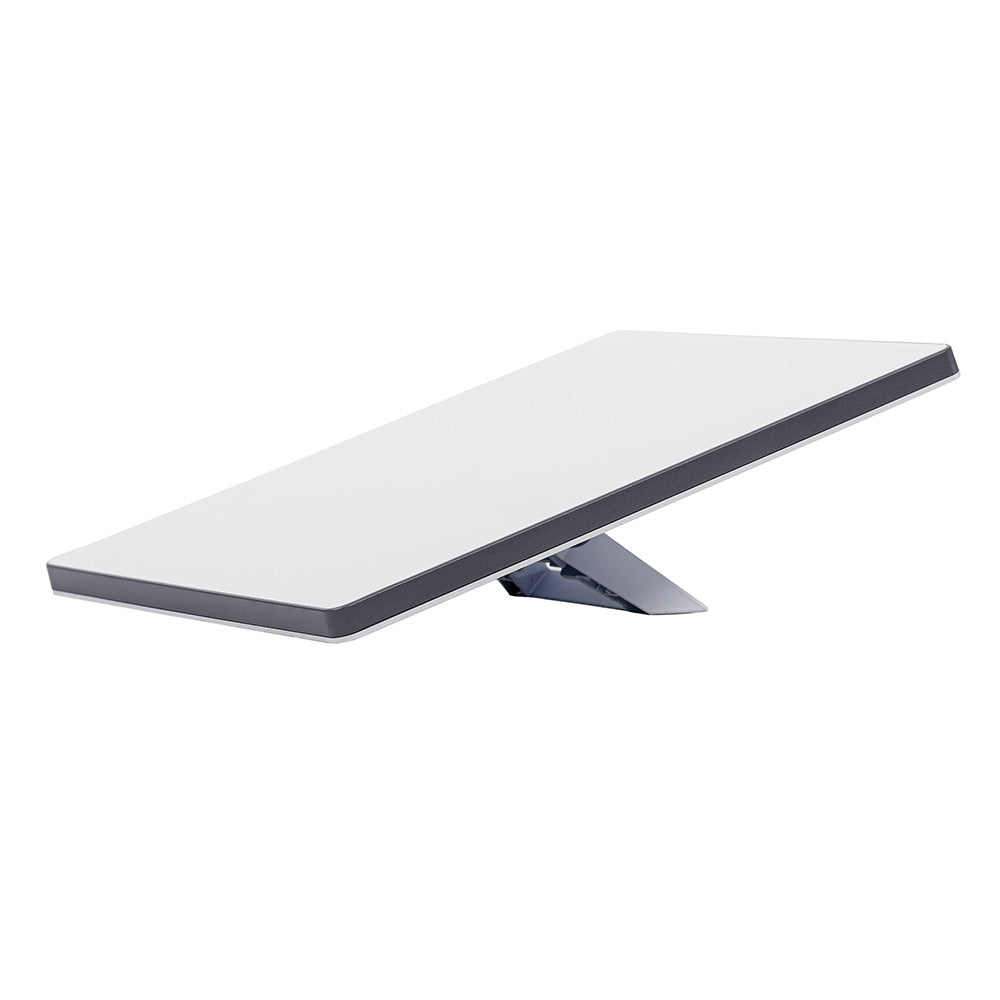
Satellite Internet at Sea: Starlink vs Iridium vs Inmarsat
How the three satellite networks differ at sea, what offshore coverage really costs, and how to layer broadband with a global backup.
 Navigation
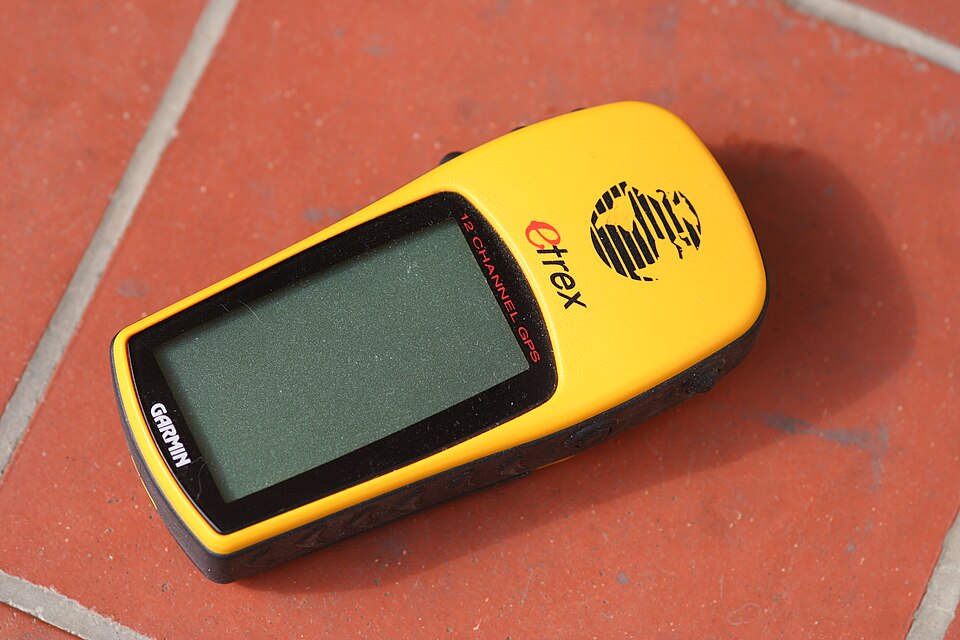
Best Handheld GPS for Sailors
Handheld GPS and satellite units as chartplotter backup — waterproofing, battery life, charts and ditch-bag picks.
 Navigation
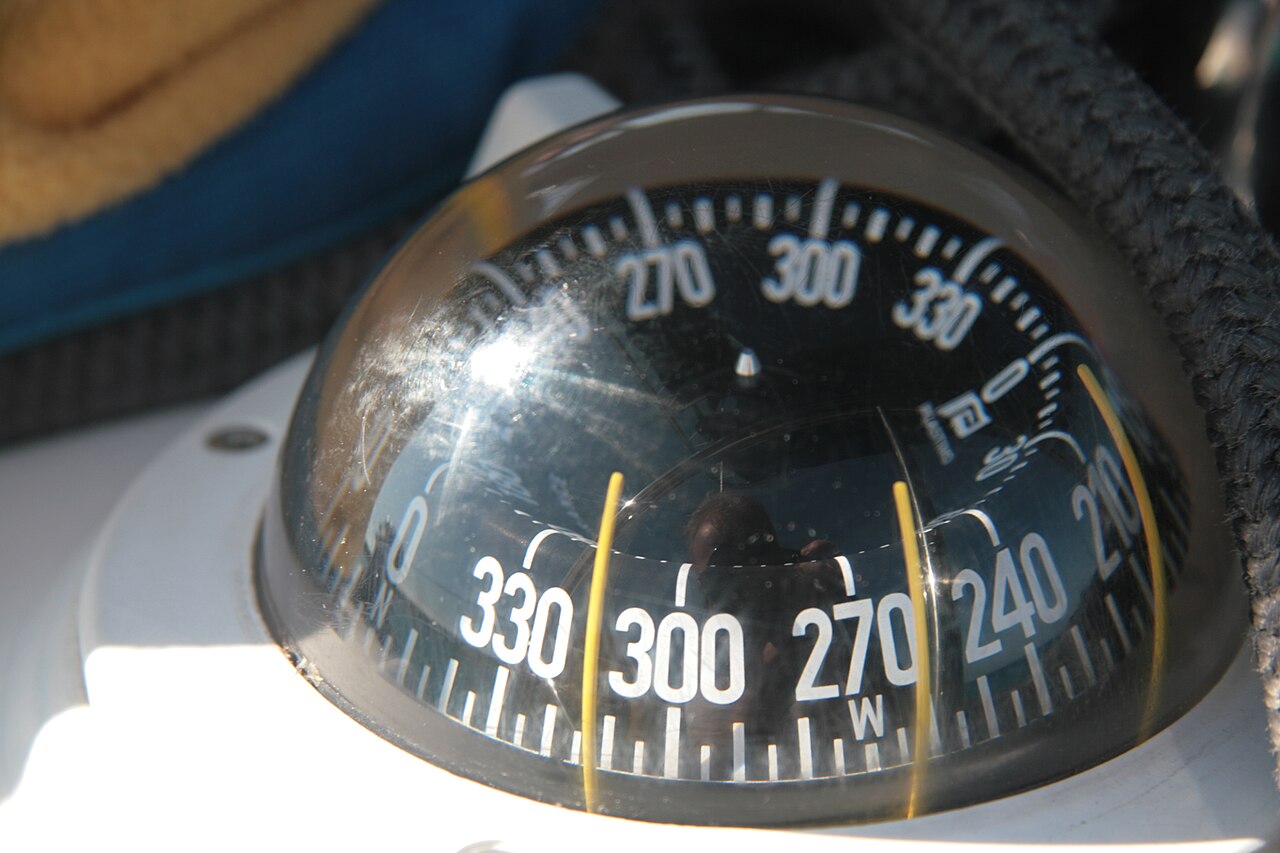
Best Boat Compasses: Steering and Handheld Picks
Card size, heel, mounting, lighting and deviation: choosing a magnetic compass for a sailboat.
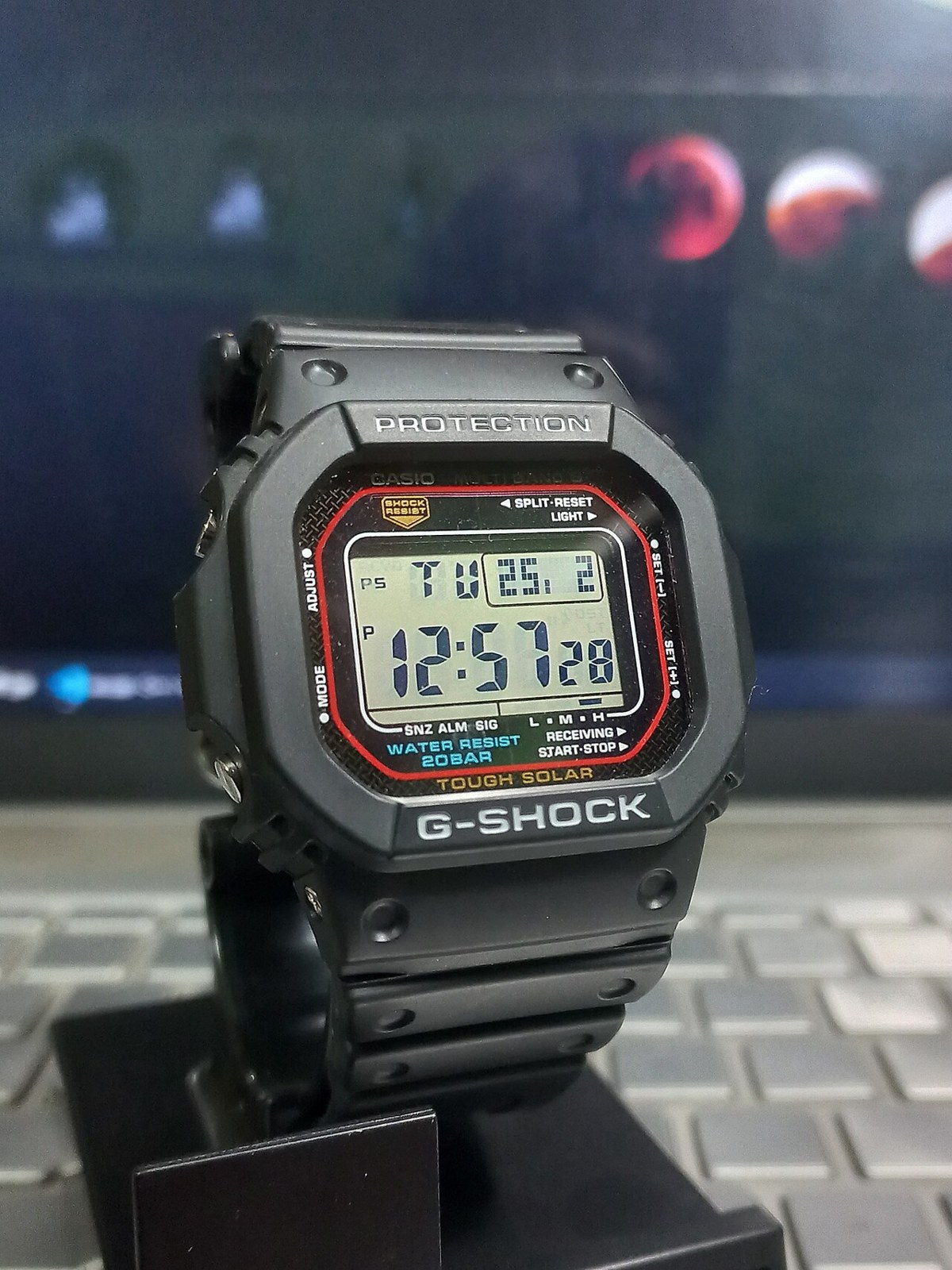 Navigation
Sailing Watches: Race Timers and Cruising Choices
Countdown controls, water resistance, readability and battery care: choosing a practical watch for racing and cruising.
Looking for more gear guides? Browse all our gear recommendations or the full guides index.