Marine Battery Monitors and Shunts
A battery monitor is the single most useful piece of electrical gear on a boat with any house bank worth managing — lead-acid, AGM, or lithium. Without one, you're guessing state of charge from voltage, which is unreliable on lead-acid under load and nearly useless on lithium, whose voltage barely moves across most of its usable range. This guide explains what a shunt actually measures, how to size and install one correctly, and compares the monitors most commonly fitted on cruising sailboats. For the batteries these monitors are meant to track, see our lithium battery guide.
Sailboat Atlas may earn a commission from qualifying purchases made through links on this page, at no extra cost to you.
Why voltage alone is a bad state-of-charge indicator
Every battery's voltage correlates loosely with state of charge, but "loosely" is the operative word, and the failure mode is different for each chemistry. On lead-acid, voltage sags under load and climbs while charging, so the number on a cheap voltmeter depends heavily on whether something is drawing power or a charger is running at the instant you look. Wait long enough for the battery to rest — hours, not minutes — and voltage becomes a somewhat better indicator, but that's rarely practical at anchor with the fridge cycling.
Lithium (LiFePO4) makes the problem worse in a different way: its discharge curve is almost flat across roughly 20% to 90% of usable capacity. A cell reading 13.3V resting could be at 80% charge or 40% charge — the voltage difference between those states is a few hundredths of a volt, well within the noise of typical shunt and meter tolerances. Voltage only becomes a useful indicator right at the very top and bottom of the lithium curve, which is exactly where you don't want to be operating anyway. A shunt-based monitor that counts amp-hours in and out solves both problems by measuring what's actually moved through the battery, not just guessing from a voltage snapshot.
What a shunt measures and where it has to go
A shunt is a precision low-resistance resistor, typically rated in amps and millivolts (a "500A/50mV" shunt develops 50 millivolts of drop at 500 amps of current). The monitor measures that tiny voltage drop continuously and does the arithmetic to convert it into amps, then integrates amps over time to track amp-hours consumed and returned. It's a current-measurement device, not a voltage tap — voltage is measured separately, directly at the battery terminal.
Installation location is the single most common source of a battery monitor reading wrong: the shunt must sit in the main negative conductor between the battery bank's negative post and every single load and charge source in the boat — inverter, DC panel, bilge pumps, autopilot, alternator negative, solar charge controller, shore power charger, all of it. Anything that connects to battery negative on the "battery side" of the shunt rather than the "system side" won't be counted, and the monitor will slowly and silently diverge from reality. A single stray ground wire bypassing the shunt is enough to make an otherwise well-installed monitor useless over time.
Coulomb counting drift and why synchronization matters
Coulomb counting — integrating measured current over time — is inherently a cumulative process, and small measurement errors, sensor tolerances, and unmeasured parasitic loads compound over days and weeks. Every shunt monitor corrects for this by synchronizing: detecting when the bank has reached a full-charge voltage threshold and dropped to a low "tail current" for a sustained period, then resetting its internal state-of-charge count to 100% because it can be confident the battery really is full at that point. A boat that lives on solar and rarely runs its engine or a shore charger long enough to reach that full, tail-current condition will see its monitor's reported state of charge drift further from reality the longer it goes without a real full charge and resync. If the numbers on your monitor start looking implausible, a full charge cycle to genuine 100% is usually the fix, not a hardware problem.
Peukert exponent and charge efficiency: lead-acid vs. lithium
Two settings in every monitor's setup menu meaningfully change how accurate its numbers are, and both differ by chemistry. The Peukert exponent corrects for the real effect that lead-acid batteries deliver less total capacity when discharged quickly than when discharged slowly — a battery rated for 100Ah at a 20-hour discharge rate might only deliver 70-80Ah at a much higher, faster draw. Flooded and AGM batteries typically use a Peukert value between roughly 1.1 and 1.3. Lithium batteries are far less sensitive to discharge rate, so their Peukert value should be set close to 1.00-1.05; leaving a lead-acid Peukert setting in place after swapping to lithium (see our lithium battery guide for chemistry basics) will make the monitor systematically underestimate available capacity. Charge efficiency factor — how much of the amp-hours put back in actually stick, versus being lost to heat and gassing — also differs: lead-acid is commonly set around 95%, lithium closer to 99%, since lithium charging is inherently more efficient.
Battery monitor vs. BMS: what each one actually does
These two devices get confused constantly, and on a lithium system you genuinely need both. A battery management system (BMS) is a protective device, either built into a drop-in lithium battery or wired externally on a DIY build, that watches individual cell voltages, pack current, and temperature, and will disconnect or throttle the battery if any of those readings crosses a dangerous threshold — over-voltage during charging, over-discharge, excessive current, or extreme temperature. Its job is to keep the battery from being damaged or becoming a safety hazard. A battery monitor, by contrast, has no protective function at all — it's purely informational, estimating the whole bank's state of charge and showing current flow so you can plan your day around how much power is left. A boat with a good BMS and no monitor is safe but flies blind on capacity; a boat with a monitor and no BMS on a lithium bank is trusting an unprotected battery. They solve different problems and neither is optional on a lithium install.
NMEA 2000 and Bluetooth integration for house-bank data
Most modern monitors offer at least one of two paths to get their data somewhere other than their own display: Bluetooth to a phone app (Victron's VictronConnect being the most common example), or NMEA 2000 output that can feed a chartplotter or multifunction display directly. A shunt with native NMEA 2000/VE.Can output, like the Lynx Shunt, puts state of charge straight onto the boat's instrument network without any extra hardware; a Bluetooth-only unit like the SmartShunt needs a separate gateway device if you want that same data on a networked display rather than just a phone. Neither approach is wrong — Bluetooth-to-phone is simpler to install and often sufficient on a smaller boat, while NMEA 2000 integration is worth the extra planning on a boat that already has, or will have, a networked instrument suite. See our NMEA 2000 networking guide for how to plan a backbone that a battery monitor can join alongside other instruments, and our marine solar panel guide for how solar charge controllers typically report into the same monitoring picture.
Mid-point voltage, temperature monitoring, and wiring mistakes
On any bank made of multiple batteries wired in series to reach 24V or 48V, mid-point voltage monitoring is worth having if your monitor supports it. It compares the voltage across the lower half of the series string to the upper half; a consistent, growing imbalance between the two indicates one battery or cell group is aging faster than the rest or has a bad connection, well before it causes a full failure. Temperature monitoring, usually via a small probe on the aux input, matters most for lead-acid banks (charging voltage targets should be temperature-compensated) and for flagging a lithium BMS that's cutting off charging in cold conditions.
The most common installation mistakes are avoidable: running any load or charge source's negative wire to a point on the battery side of the shunt instead of the system side; undersizing or skipping a fuse near the battery terminal on the shunt's cable run; mounting the shunt somewhere it can get wet or corrode without an IP-rated enclosure; and using thin, long, or poorly terminated cable between the shunt and its display, which can introduce enough resistance to affect readings on high-current systems. Torque every shunt and busbar connection to the manufacturer's spec — a loose high-current connection heats up, corrodes faster, and throws off both safety and measurement accuracy.
Our picks
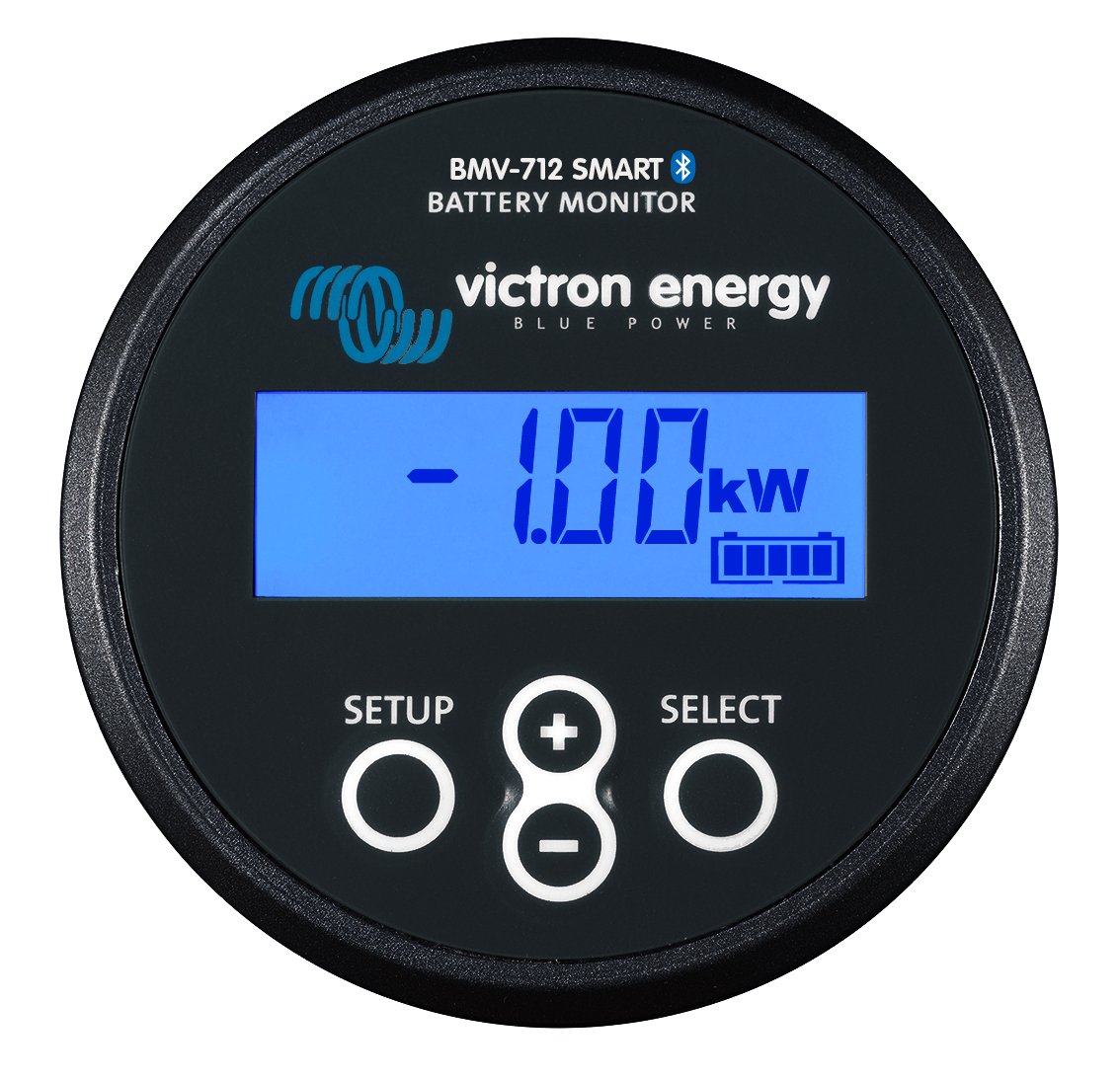
Victron BMV-712 Smart
Best all-around battery monitor with a dedicated display
The BMV-712 is the long-serving default recommendation for a reason: it pairs a real shunt-based coulomb counter with both a physical display and Bluetooth, so you get panel-mounted, at-a-glance state of charge plus phone-based history and alarms. The auxiliary input is the standout feature — use it to watch a start battery's voltage, the midpoint of a large 24V or 48V bank for imbalance, or bank temperature, all from the same unit. It's overkill for a boat with one small battery, but it's the standard against which other monitors are judged on a cruising boat with a house bank.
- Shunt rating
- 500A / 50mV shunt included
- Voltage range
- 6.5-70V DC, works on 12V, 24V, and 48V systems
- Connectivity
- Built-in Bluetooth plus an extra auxiliary input for a second battery, midpoint, or temperature
- Display
- Backlit dot-matrix panel readable in daylight, mounted separately from the shunt
Pros
- Dedicated panel-mount display means anyone on board can check state of charge without a phone
- Aux input can monitor a starter battery voltage, midpoint voltage on a bank, or battery temperature
- Bluetooth plus the VictronConnect app gives full history, alarms, and Peukert/efficiency configuration
Cons
- Panel-mount display needs its own cable run and a flush cutout, adding an install step over a shuntless unit
- Setup menu has a lot of parameters (Peukert exponent, charge efficiency, tail current) that are easy to misconfigure without reading the manual
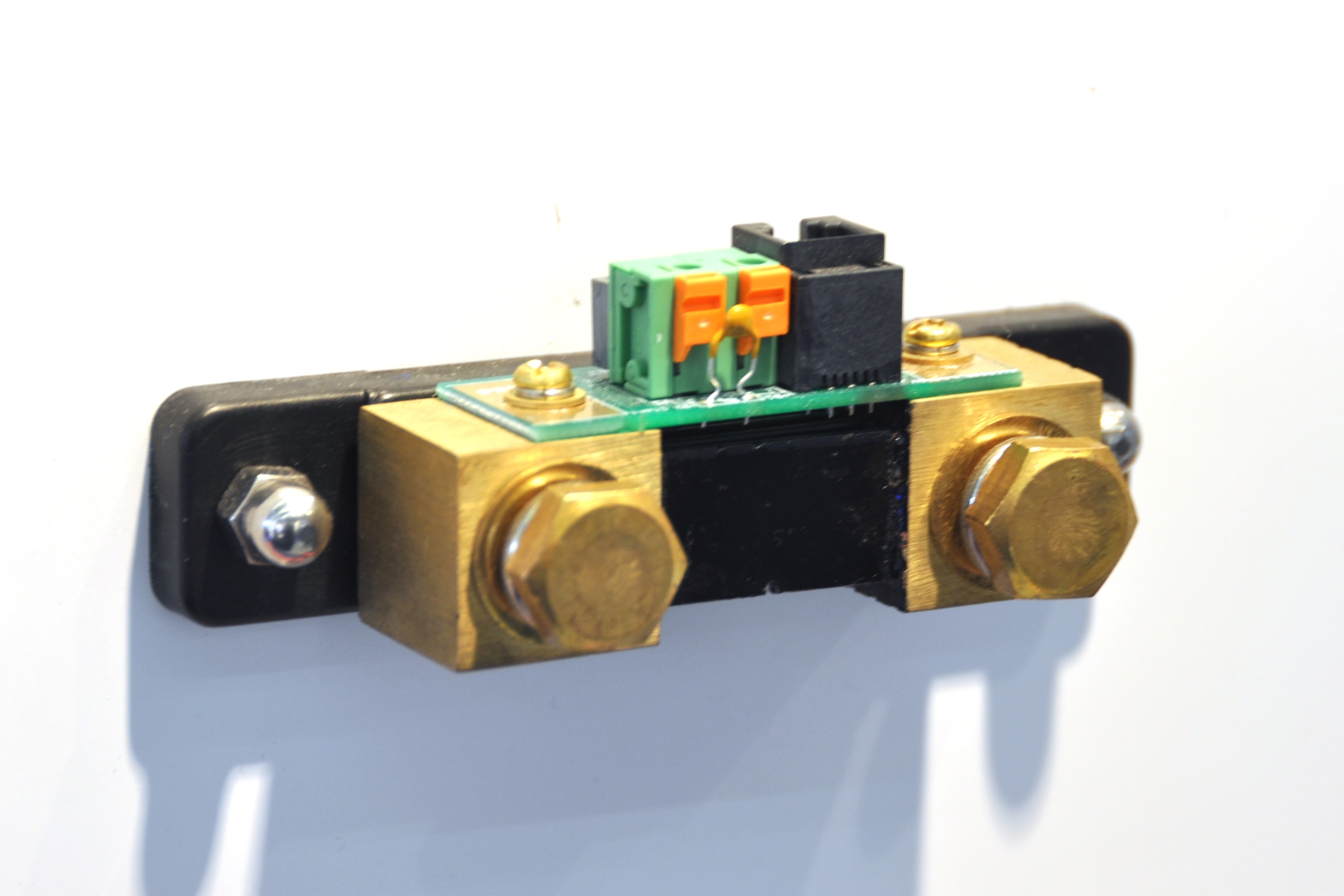
Victron SmartShunt
Best shunt-only monitor when you don't need a panel display
The SmartShunt is functionally the same measurement engine as the BMV-712 without the physical display — Victron sells it as the electronics-only version for owners who already have a chartplotter or other MFD that can pull the data over NMEA 2000 with a Victron GX device, or who are simply comfortable checking a phone app. It's a clean retrofit into a boat where a bulkhead-mounted round or square display doesn't fit, and the sealed IP65 version tolerates a damp battery box better than most panel-mount units would.
- Available ratings
- 300A, 500A, 1000A, and 2000A versions, IP21 or IP65 sealed
- Accuracy
- Manufacturer-published 99.6% measurement accuracy
- Display
- None — read out entirely over Bluetooth via the VictronConnect app
- Retrofitting
- Fits into an existing negative cable run without extra display wiring
Pros
- No display to mount or wire — install the shunt in the negative lead and you're done
- IP65 version is sealed against a damp bilge or lazarette battery compartment
- Same VictronConnect app and shunt technology as the BMV-712, so setup and accuracy are equivalent
Cons
- No panel readout at the helm or nav station — everything is phone-dependent, which is a problem if your phone dies or you lend the boat out
- Bluetooth range through a hull or bulkhead can be marginal from certain battery compartment locations
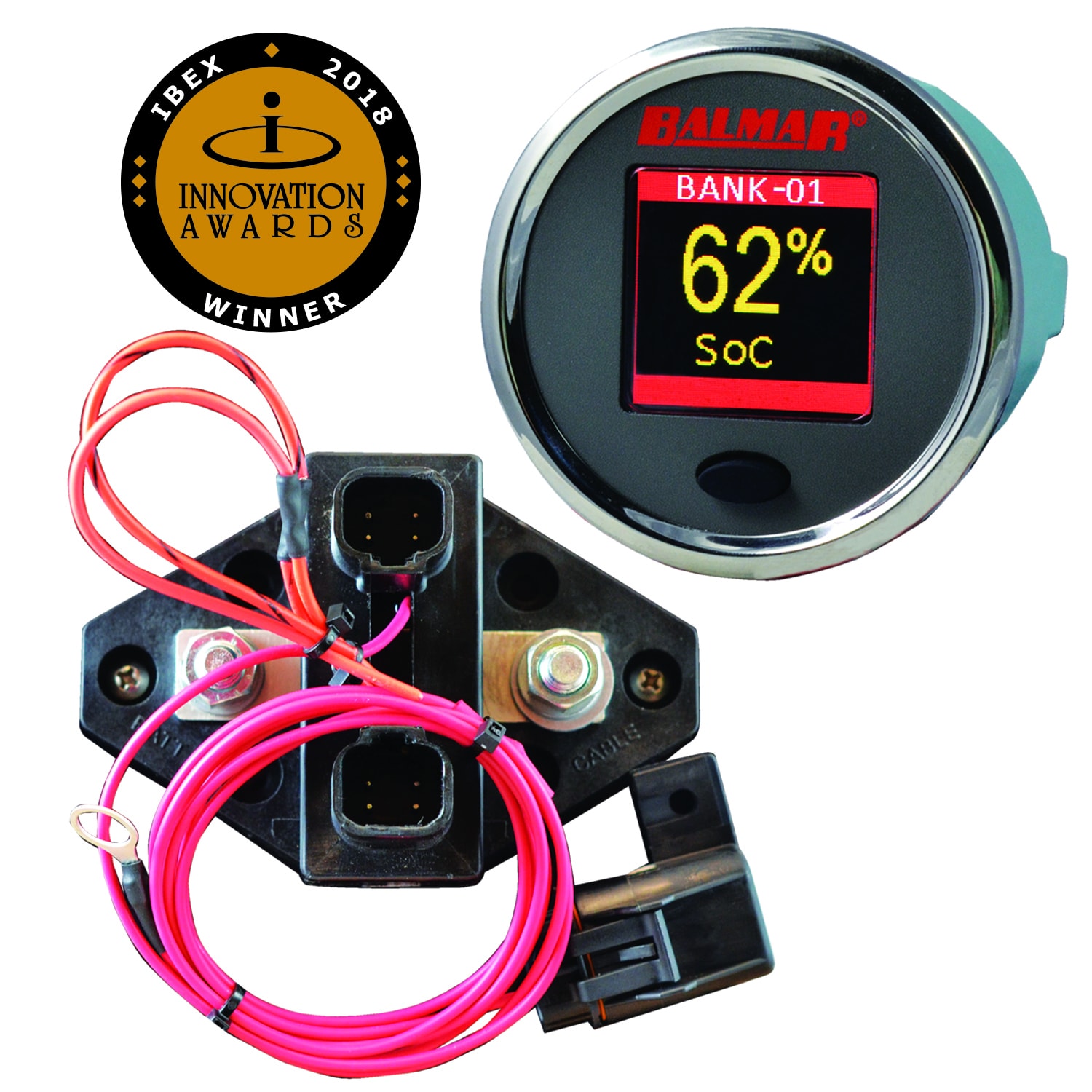
Balmar SG200
Best monitor with a dedicated color display and multi-bank support
Balmar built the SG200 primarily for boats already running its alternators and regulators, and that's where it shines — one SmartLink bus can show alternator output, battery temperature, and state of charge/health for more than one bank on a single color display. Independent of that ecosystem, it's still a competent standalone monitor with a genuinely useful feature most competitors skip: state-of-health tracking that estimates how much of the battery's original capacity remains, which matters far more for lead-acid banks approaching end of life than a snapshot state-of-charge number.
- Display
- Color LCD panel, single-button navigation
- Networking
- SmartLink communications bus links multiple SG200 shunts and Balmar alternator regulators
- State of health
- Tracks both state of charge and state of health (bank capacity fade over time)
- Included cable
- 10-meter SmartLink cable between shunt and display in the box
Pros
- State-of-health tracking flags a fading bank before it fails outright, not just state of charge on a given day
- SmartLink bus lets one system show multiple battery banks and tie in with Balmar's alternator regulators
- Color display with single-button operation is simple to read and navigate at a glance
Cons
- Ecosystem benefits are strongest if you already run, or plan to run, other Balmar charging gear
- Less third-party integration documentation than Victron's NMEA 2000/Bluetooth ecosystem
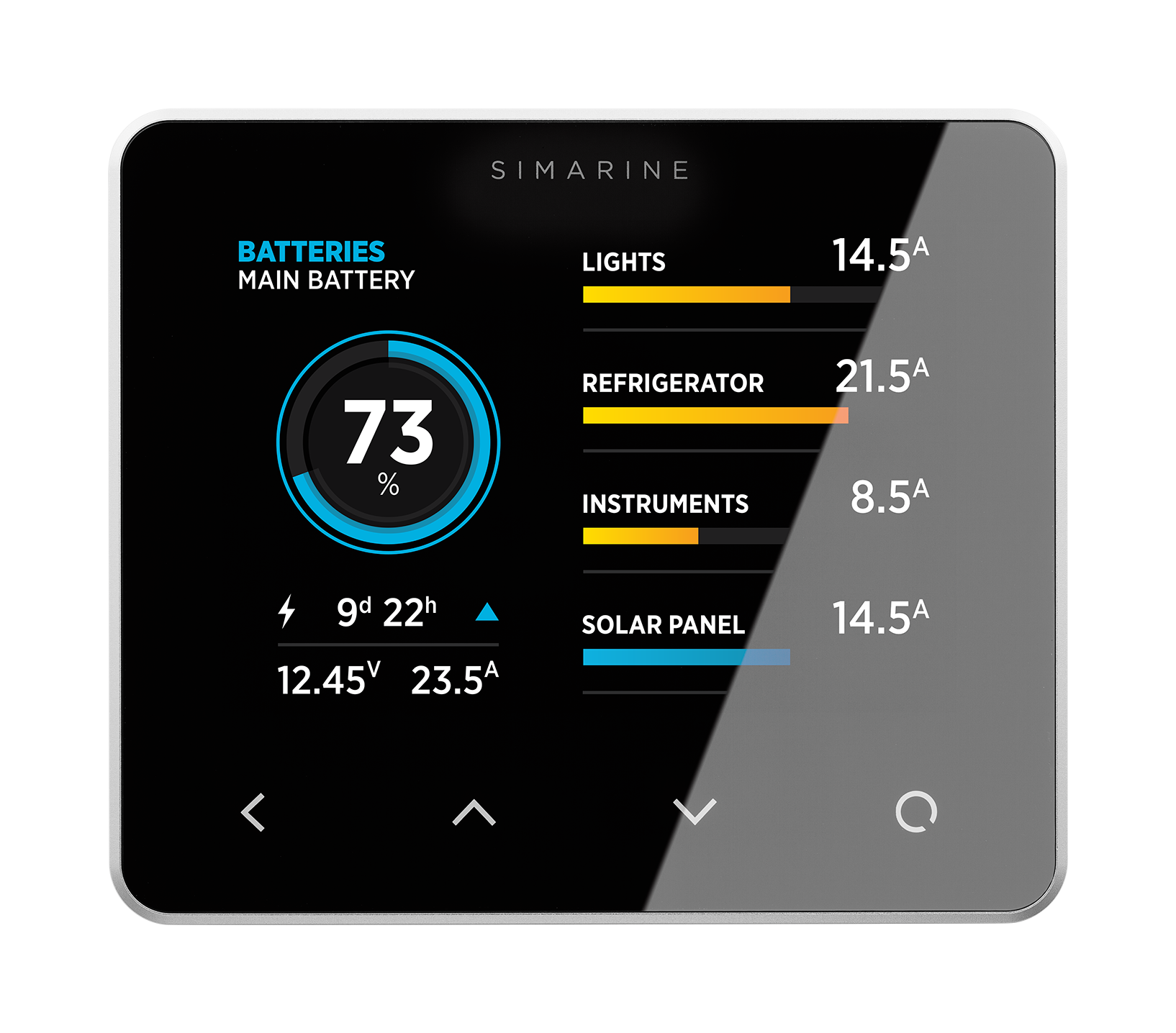
Simarine PICO
Best modular monitor for tracking multiple banks, tanks, and loads
PICO is a modular monitoring platform rather than a single product — the base unit needs extension modules to actually read shunts, tank senders, or temperature probes, so pricing and complexity scale with how much you want it to track. Its strongest feature is per-circuit current monitoring: instead of just showing net amps in or out of the bank, it can show what the fridge, windlass, or autopilot are individually drawing, which is a real diagnostic advantage on a boat with an unexplained overnight discharge. It's a bigger investment and installation project than a basic shunt monitor, and best suited to an owner doing a full electrical rebuild rather than a simple retrofit.
- Display
- Round glass-and-aluminum touch display with customizable pages
- Modularity
- Add-on expansion modules for extra battery banks, tank senders, and individual load monitoring
- Precision
- High-resolution current sensing intended for identifying individual circuit draw, not just total bank current
- App
- iOS/Android app for remote viewing and firmware updates
Pros
- Can monitor individual loads and charging sources separately, not just net bank current — useful for hunting down a mystery parasitic draw
- Expansion modules scale the system up to multiple banks, fuel and water tanks, and temperature points on one display
- Physical build quality (glass face, aluminum housing) suits a finished nav station on a higher-end refit
Cons
- Costs meaningfully more than a single-bank shunt monitor once you add the modules needed for full functionality
- Smaller installer and support network in North America than Victron or Blue Sea, so troubleshooting help is less abundant
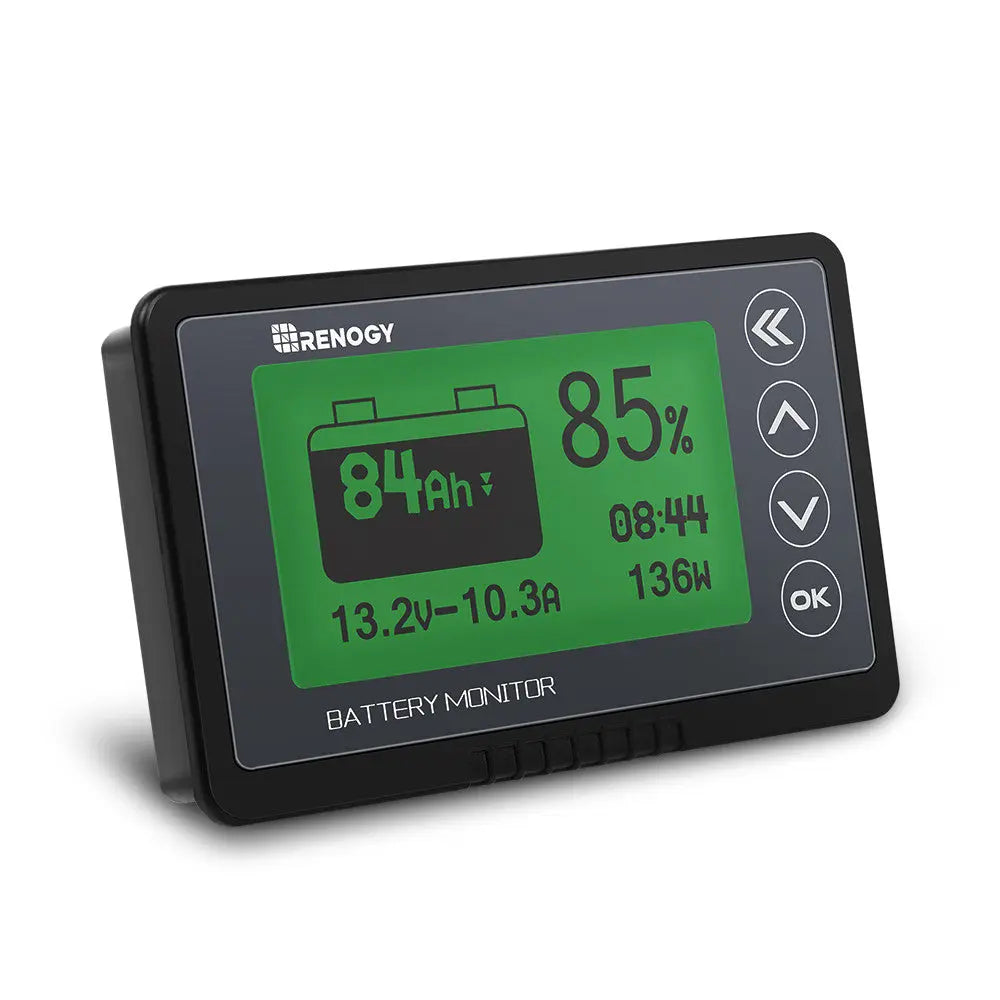
Renogy 500A Battery Monitor
Best budget shunt monitor for a simple single-bank setup
Renogy's monitor is aimed at the RV market but works fine on a boat with a single house bank and no ambition to network it into other electronics. It measures the same fundamental things as the pricier units — voltage, current, amp-hours consumed — and displays them on a wired panel that doesn't care about Bluetooth range or a dead phone. The tradeoff is a smaller support ecosystem and no path to NMEA 2000 integration later, so it suits a boat that will stay simple rather than one you expect to keep building out.
- Shunt rating
- 500A / 50mV shunt included
- Display
- Panel-mount LCD with backlight, wired display cable (not Bluetooth-only)
- Voltage range
- 8-100V DC
- Cable run
- Standard telephone-style cable between shunt and display, extendable
Pros
- Meaningfully cheaper than the Victron or Balmar equivalents for a single-bank monitoring job
- Wired display doesn't depend on Bluetooth range or phone battery to get a reading
- Good enough accuracy for a simple house-bank state-of-charge readout on a small cruiser or trailer-sailor
Cons
- Menu and setup documentation is thinner than Victron's, making correct Peukert/efficiency configuration more trial-and-error
- No NMEA 2000 or app ecosystem — it's a standalone unit with no path to feeding a chartplotter
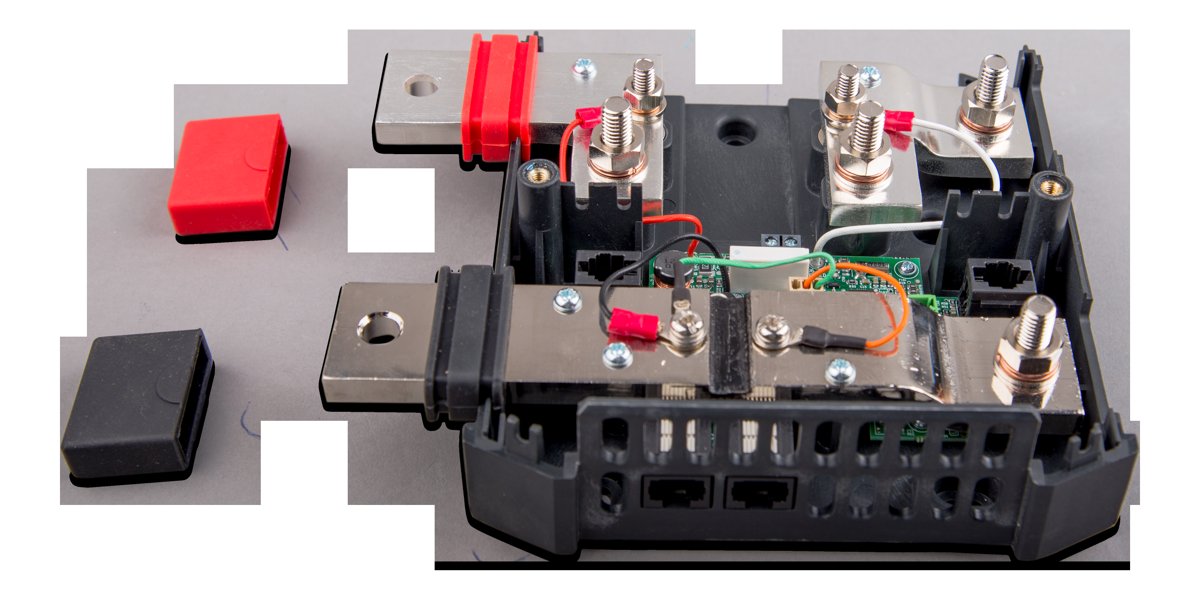
Victron Lynx Shunt VE.Can
Best integrated shunt for a Lynx DC distribution / NMEA 2000 system
The Lynx Shunt VE.Can isn't a retrofit accessory — it's a structural part of Victron's modular Lynx DC distribution system, replacing a standard negative busbar with one that includes an integrated 1000A-rated shunt and a slot for the bank's main fuse. For a full electrical rebuild on a lithium or high-draw boat, that consolidation is a real advantage: one component does the job of a busbar, a fuse holder, and a battery monitor, and reports state of charge straight onto the network. It's the wrong choice if you just want to add monitoring to an existing panel; the SmartShunt or BMV-712 fits that job far better.
- Current rating
- 1000A continuous
- Networking
- VE.Can (NMEA 2000-compatible) output straight to a GX device or compatible display
- Integration
- Built into the Lynx busbar and fuse-holder distribution system rather than a standalone inline shunt
- Fuse location
- Includes a slot for the system's main fuse (fuse sold separately)
Pros
- Combines the main negative busbar, fuse holder, and battery monitor shunt into one physical component, simplifying a clean DC distribution build
- VE.Can output feeds a Cerbo GX or compatible MFD directly, putting state of charge on a networked display without a separate BMV panel
- Rated for high continuous current, suitable for large house banks and lithium systems with heavy inverter loads
Cons
- Only makes sense as part of a Lynx distribution system rebuild — it's not a drop-in shunt for an existing panel
- Needs a GX device or NMEA 2000-capable display to actually show data; there's no standalone screen option
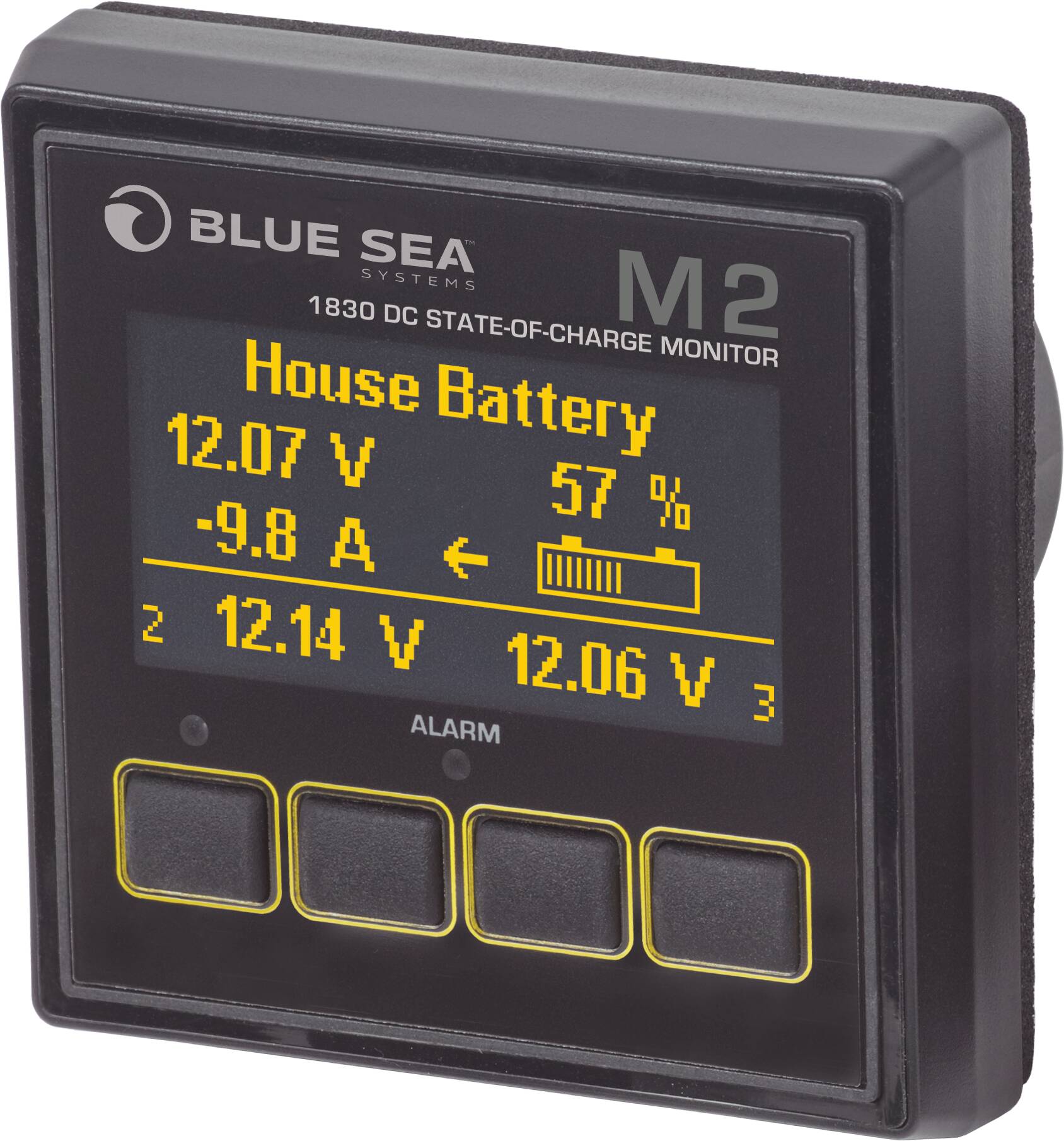
Blue Sea Systems M2 DC Multimeter with SoC
Best panel-style monitor for boatbuilders standardized on Blue Sea gear
The M2 is built for boatbuilders and owners standardizing an electrical panel around Blue Sea's square M-Series meters rather than mixing in a round Victron display. It reads state of charge and multiple voltage points and can drive a relay for a simple automatic load-shed or alarm, but it's a simpler measurement and modeling engine than the BMV-712 or SmartShunt — there's no app, no long-term history graphing, and less configurability around Peukert and charge efficiency. It's the right pick when panel aesthetics and Blue Sea system consistency matter more than deep data logging.
- Display
- OLED panel, square DIN-style cutout matching Blue Sea's M-Series meter line
- Measurement
- Reads up to three voltages and one current channel with a programmable shunt ratio
- Shunt
- External shunt sold separately; supports third-party shunt ratios, not locked to one brand
- Extras
- Programmable relay output for a low-voltage disconnect or alarm trigger
Pros
- Matches Blue Sea's M-Series panel meter family for a uniform-looking electrical panel alongside other M-Series gauges
- Programmable shunt ratio means it isn't locked into buying Blue Sea's own shunt if you already have a compatible one installed
- Relay output can trigger a warning or disconnect a non-critical load automatically at a set voltage
Cons
- No Bluetooth or app — data lives on the panel only, with no phone-based history or remote alerts
- Less detailed amp-hour/state-of-charge modeling than a dedicated coulomb-counting monitor like the BMV or SmartShunt
How to choose
| Product | Price range | Best for | Key spec |
|---|---|---|---|
| Victron BMV-712 Smart | $180–$230 | All-around house-bank monitor | 500A shunt, panel display + Bluetooth, aux input |
| Victron SmartShunt | $85–$170 depending on rating | Retrofit without a display | 300A–2000A options, Bluetooth-only, IP65 available |
| Balmar SG200 | $300–$400 | Balmar charging system owners | Color display, SmartLink multi-bank bus, state of health |
| Simarine PICO | $280+ before expansion modules | Multi-bank, multi-load monitoring | Modular expansion, per-circuit current sensing |
| Renogy 500A Battery Monitor | $60–$100 | Simple single-bank budget setup | 500A shunt, wired panel display |
| Victron Lynx Shunt VE.Can | $350–$450 | Full Lynx distribution / NMEA 2000 rebuild | 1000A rating, integrated busbar and fuse holder, VE.Can output |
| Blue Sea Systems M2 DC Multimeter with SoC | $300–$470 | Blue Sea M-Series panel builds | OLED panel meter, programmable shunt ratio, relay output |
Budget tiers
Under $150: basic shunt-and-display combos like the Renogy unit — solid for a single small bank with no networking ambitions.
$150–$350: the mainstream range covering the SmartShunt, BMV-712, and Blue Sea M2 — enough accuracy, app or panel display, and (for some) NMEA 2000 headroom for most cruising boats.
$350 and up: multi-bank and system-integrated options like the Balmar SG200, Simarine PICO with modules, and the Lynx Shunt VE.Can — worth it once you're monitoring more than one bank, want per-circuit load data, or are building a full networked DC distribution system rather than retrofitting a single monitor.
Related guides
 Power
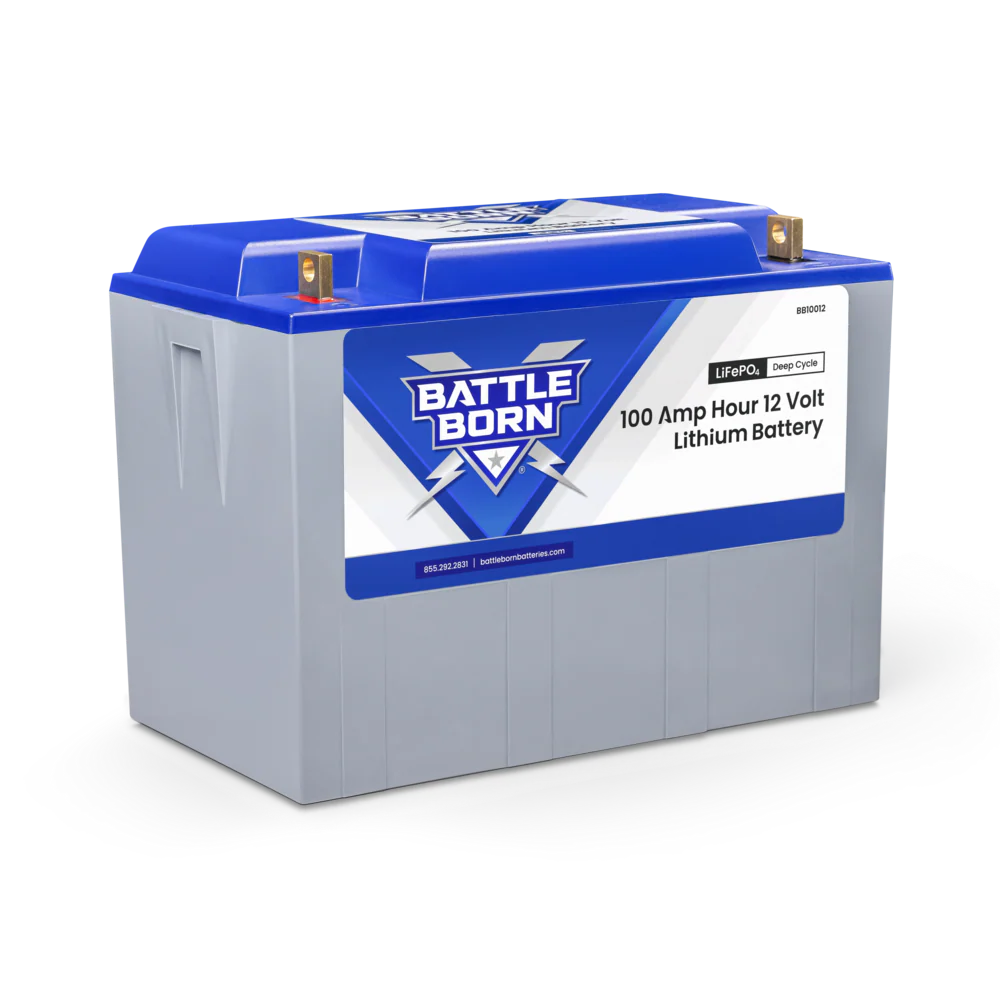
PowerBest Lithium Batteries for Sailboats
LiFePO4 house-bank picks and how to plan a lithium conversion — Battle Born, Victron, Renogy, Epoch, Dakota.
 Power
PowerMarine Solar Panels for Sailboats
Rigid vs flexible marine solar panels, how to size an array for your house bank, and top picks for cruising sailors.
 Power
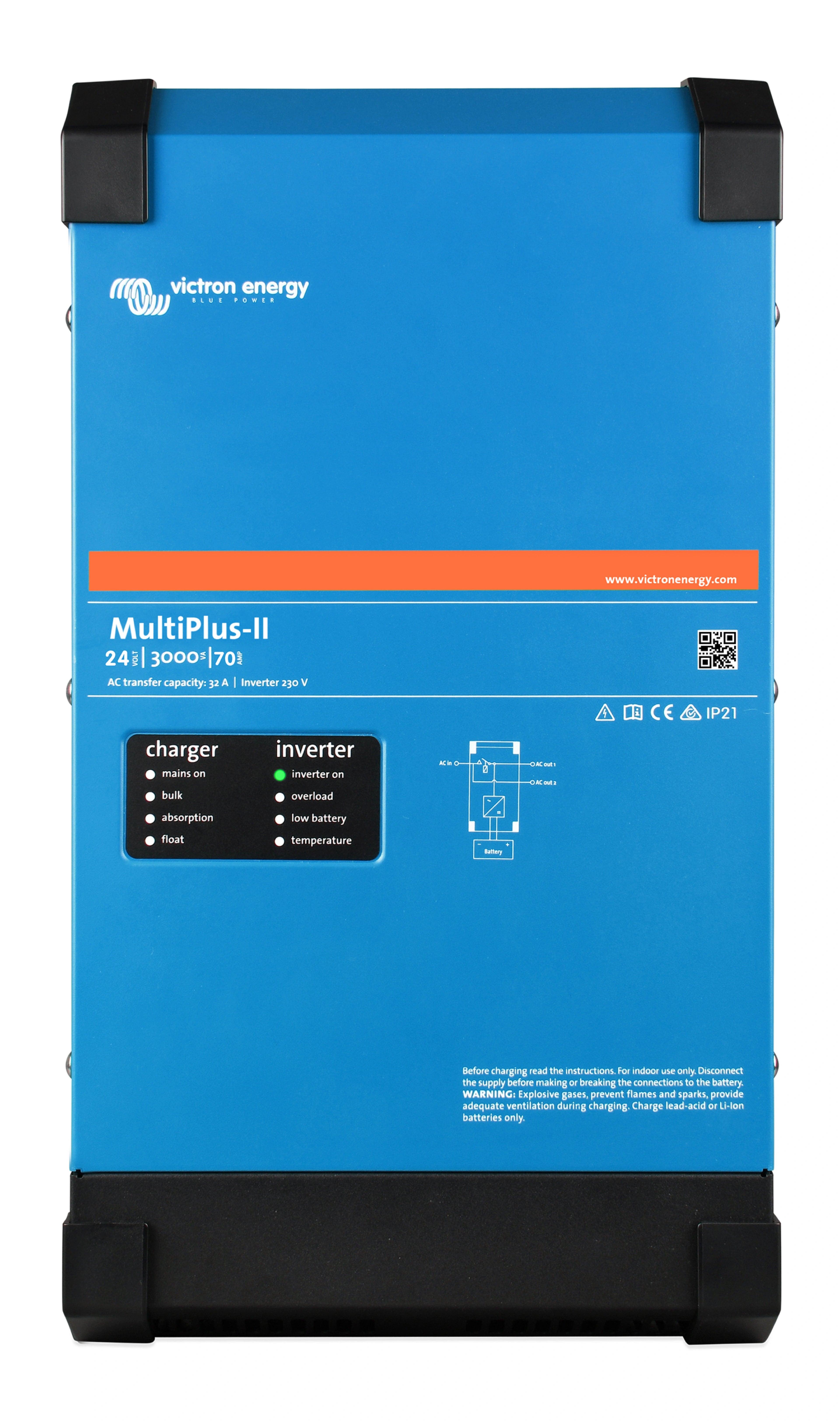
PowerMarine Inverter/Chargers: Victron vs Mastervolt vs Xantrex
How to choose a marine inverter/charger — sizing, LFP compatibility, integration, and the units we'd install today.
 Power
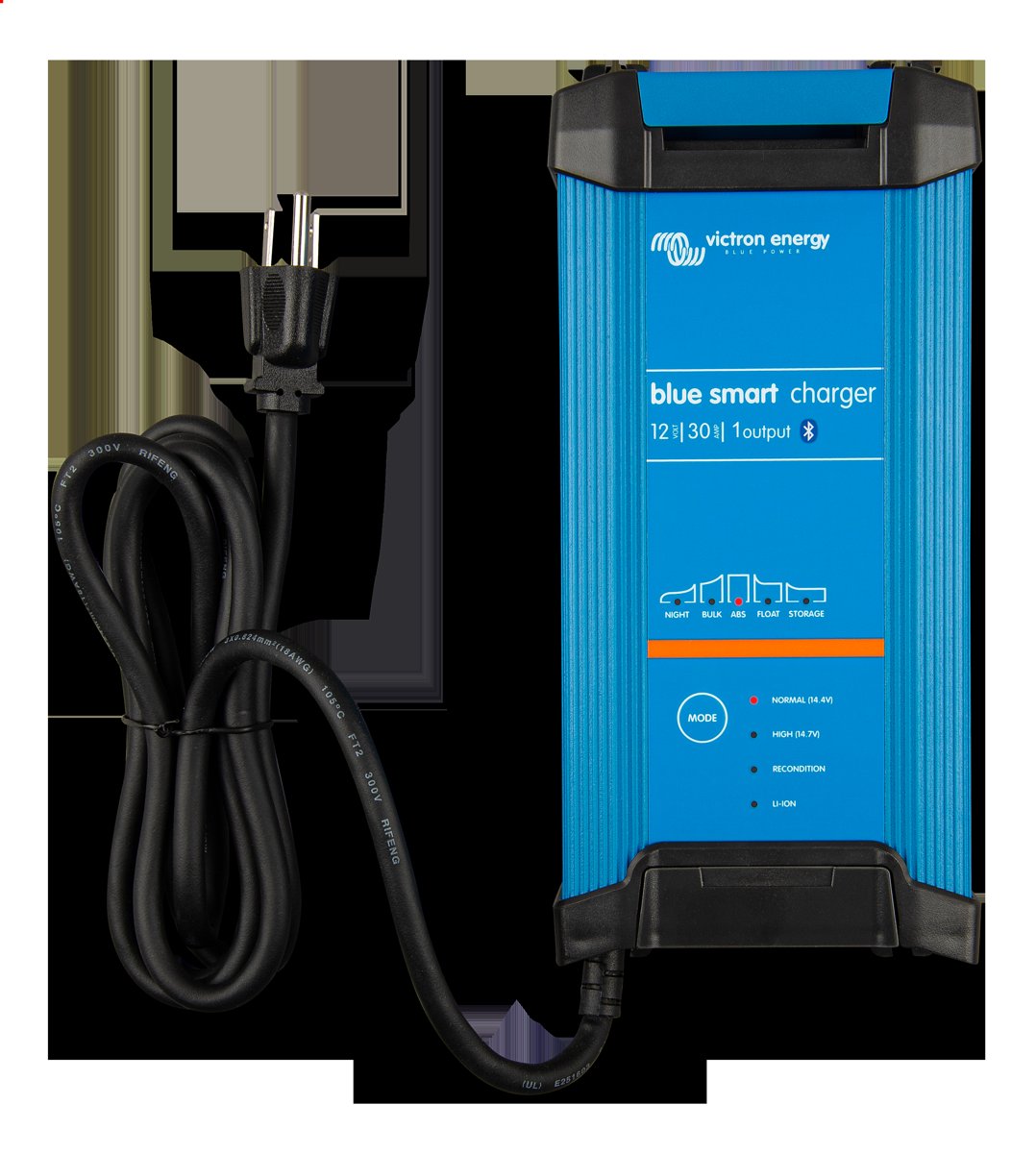
PowerBest Marine Battery Chargers and DC-DC Chargers
Shore-power chargers and DC-DC chargers compared — sizing output to your bank, lithium profiles, wiring and top picks.
Looking for more gear guides? Browse all our gear recommendations or the full guides index.